Hero Forge to hand-painted: a starter guide for D&D players
Hero Forge is a launchpad, not a destination. It's the fastest way I've found for a player to show me what they see in their head without having to write three paragraphs about pauldron asymmetry. But the moment a screenshot lands in my inbox, my job starts: figuring out which parts of that 3D mannequin are load-bearing for your character, and which parts are just defaults the software picked because you had to pick something.
What Hero Forge actually captures
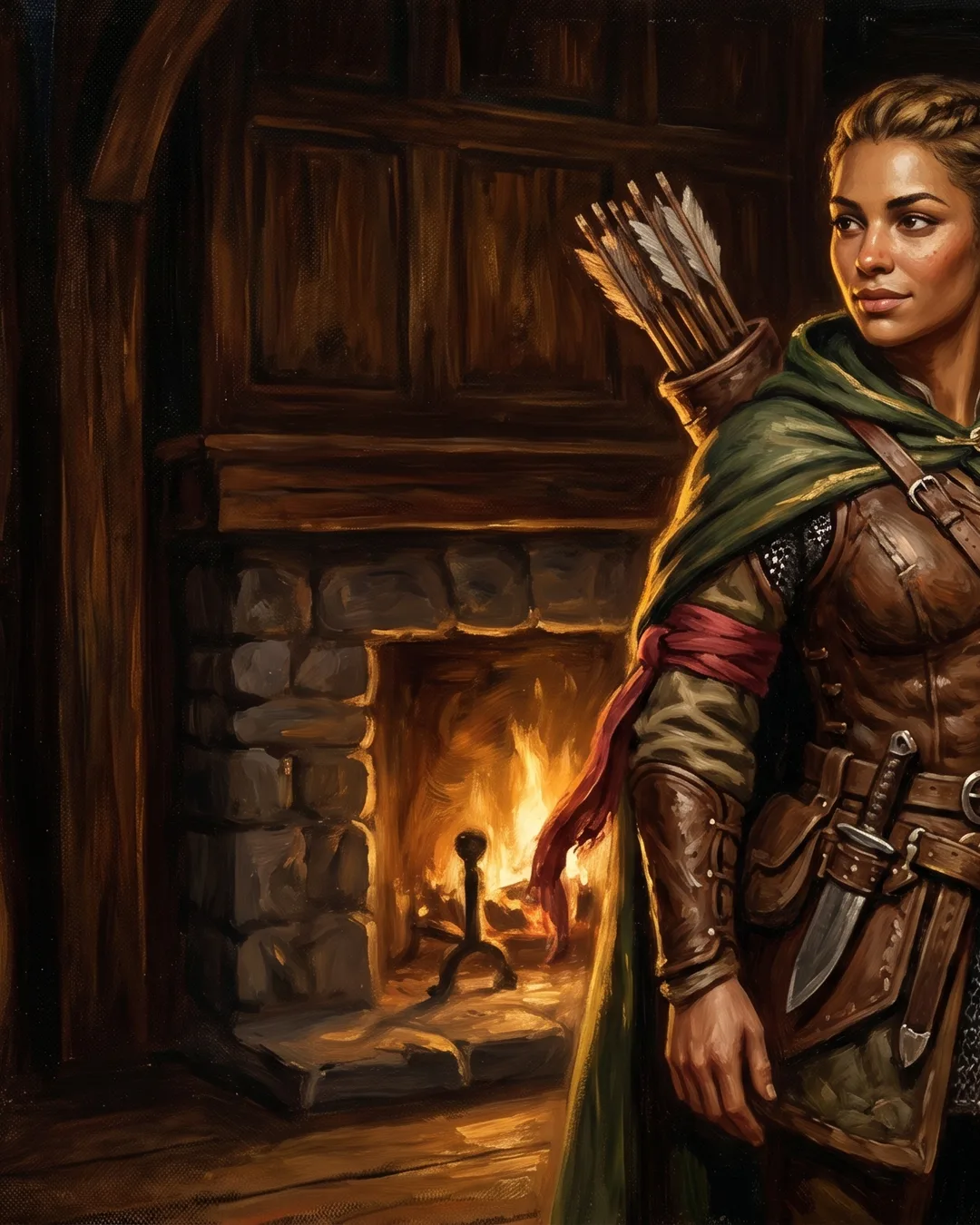
The tool is genuinely good at a few things, and I lean on it whenever a client sends one over. Pose is the big one. If your tiefling warlock stands with her weight on the back foot and a hand resting on a hip, that reads instantly, and I can build a portrait around that silhouette. Proportions are the second win. Hero Forge gives me a rough body type, a height read against the gear, and a sense of how broad or narrow you picture your character. The third thing is gear placement, where the sword sits, which shoulder the cloak falls off, whether the holy symbol hangs at the chest or the belt.
Those three reads save me an entire back-and-forth round of clarifying questions. When a brief comes in with a Hero Forge screenshot attached, I usually know within thirty seconds whether we're painting a half-elf ranger who moves like a dancer or a half-elf ranger who moves like she's been sleeping in armor for a week.
What gets lost in the translation
Here's where the screenshot stops being enough. Hero Forge renders everyone in the same flat studio light, with the same plastic skin shader, and the same neutral expression that lives somewhere between "mild constipation" and "thinking about taxes." None of that survives the trip to a painted portrait.
Texture is the first casualty. The leather on a Hero Forge cuirass looks like leather the way a stock photo looks like leather, technically correct, emotionally absent. When I paint it, I have to decide: is this armor a hand-me-down with cracked oil finish, or is it fresh from a Waterdeep armorer with the maker's stamp still legible? The screenshot can't tell me.
Light goes next. A painted portrait lives or dies on its light source, and Hero Forge doesn't have one, not really. I need to know if your drow assassin is lit by a single guttering torch in a tomb, or by the cold blue of a moonwell, or by nothing at all because she's a silhouette against a fire she just set.
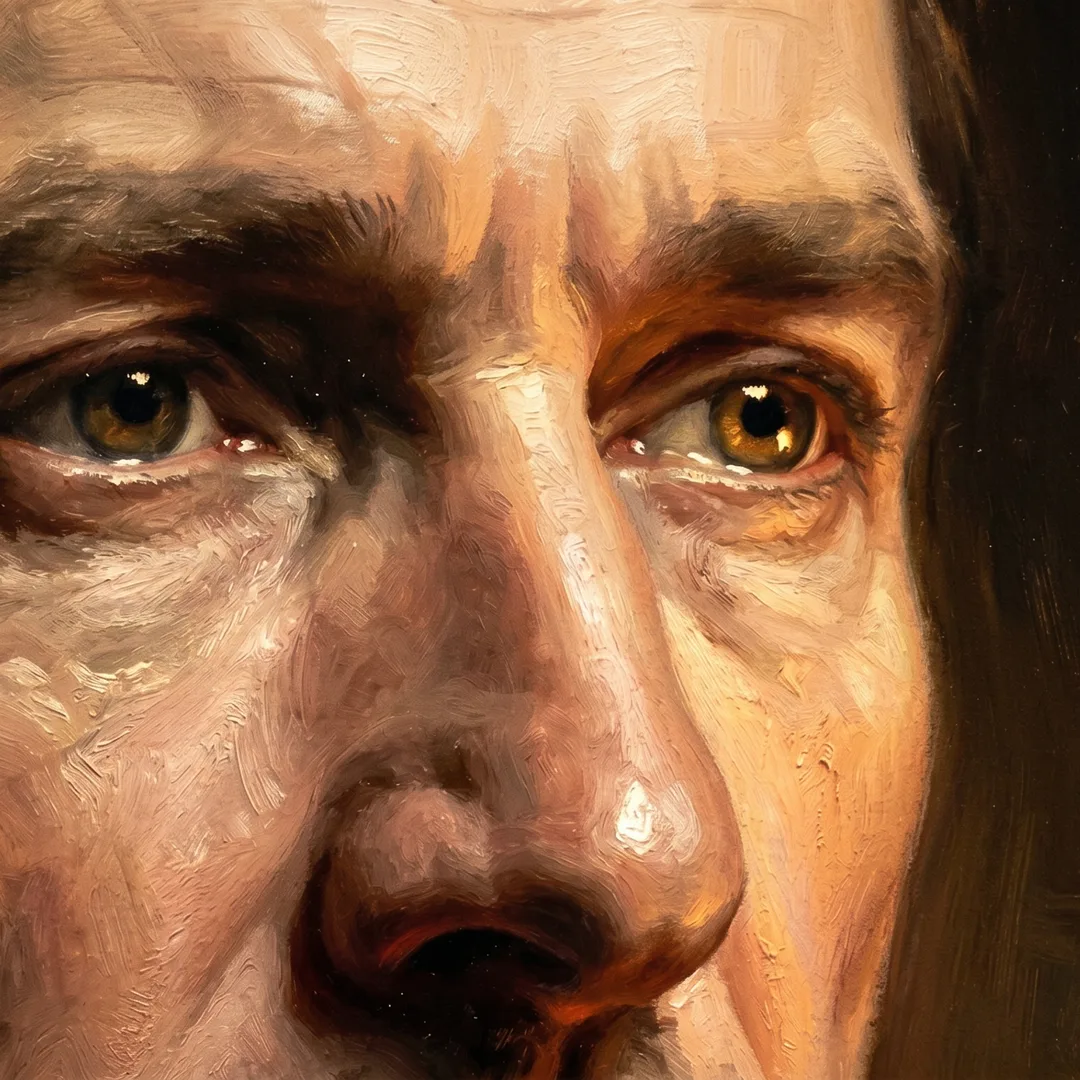
And then there's the part I find hardest to name. Call it gesture, or presence, or the thing in the eyes. A Hero Forge model holds its sword. A painted character grips it, or balances it, or has just lowered it because the fight is over. That distinction is the whole job.
Send these alongside the screenshot
If you want the portrait to land closer to the character in your head, attach a few extras when you send the Hero Forge link or render:
- A palette reference. Two or three images with colors you want in the piece. Hex codes if you have a strong opinion on skin or eye color. Pinterest boards are fine, just trim them to the hits.
- A mood note. One or two sentences on the emotional register. "Tired but not beaten" tells me more than three paragraphs of backstory.
- Scene context. Is she mid-spell, post-battle, sitting at a tavern table, standing on a cliff? Even a vague "indoor, candlelight" gives me a light source to work from.
- Key items that must be visible. The locket from her dead mentor. The Pathfinder-style spiked chakram she insists on using in a 5e campaign. The patron's sigil tattooed under her left ear. Tell me what cannot be cropped or obscured.
Hero Forge is scaffolding. Useful, structural, and meant to come down before the painting is finished. The best briefs I get treat it that way: here is the frame, now help me paint what stands inside it.
What I sketch around
Every Hero Forge screenshot has parts I quietly ignore, and parts I lean on. The face is almost always the first thing I sketch around. The software's facial sliders are improving, but they still produce a generic doll-face that won't carry the weight of a character who has, say, lost a sibling or pacted with something old. So I take the species, the rough age, the build, and then I sketch the face from scratch using your mood notes and any human reference photos you've sent.
Hands are the second. Hero Forge hands are placeholders. In a painted portrait, hands do a tremendous amount of the storytelling, whether they're clenched, open, gesturing, casting, holding something with a specific grip. I redraw them every time.
The third area is anything to do with cloth in motion. Static cape on a 3D model becomes a wind-caught cape in the portrait, or a heavy wool one that hangs dead, depending on the scene. That choice belongs to the painting, not the screenshot.
A small example
Last month a player sent me a Hero Forge of his paladin: full plate, longsword, classic heroic stance. The screenshot was clean. But his note said, "He just buried his squire. He doesn't want to be wearing this armor anymore." That single sentence rerouted the entire portrait. Same pose, same gear, completely different painting. The sword tip dropped two inches. The helm went under his arm instead of on his head. The light came in low and amber, the way late afternoon does when you've been standing in one place too long. The Hero Forge file gave me the bones. His note gave me the painting.
If you're putting together a brief and want to see how this works in practice, the character art service page walks through the full process, and the order form has a field specifically for Hero Forge links and reference attachments. Send the screenshot, send the extras, and tell me what the model can't. That's where the portrait actually begins.